
Overseas Smartphone Data Playbook: eSIM vs Local SIM vs Pocket Wi-Fi vs Carrier Roaming and Emergency APN Rescue
A 3-step emergency troubleshoot for airport zero-bars and an unvarnished verdict on hotspot tethering limits

Deconstructing 4 Data Options: Real Cost, Speed, and Hidden Pitfalls
The moment airplane wheels touch down at Tokyo Narita or Paris Charles de Gaulle, travelers instinctively toggle off airplane mode. We urgently need to ping family, verify train departures, and load digital customs QR passes. Yet depending on your mobile data setup, those initial five minutes either herald smooth arrivals or induce severe anxiety.
Today's globetrotter chooses among four primary pipelines: software-downloaded eSIMs, physical airport prepaid SIMs, portable battery-powered pocket Wi-Fi routers, and home carrier roaming plans. Each method displays stark differences across pricing, installation friction, and voice call preservation.
Pocket Wi-Fi routers, once universal, are rapidly fading for solo travelers and couples due to collection queues, bulky power banks, and dropping connection whenever partners stray five meters apart. Home carrier roaming guarantees receiving bank SMS verification codes seamlessly on your domestic number, but commands premium pricing starting around $30 for meager 3GB allowances.
For outright value and speed, eSIM and local prepaid SIMs dominate. Requiring zero plastic swapping or tiny ejector pins, an eSIM activates via a quick QR scan within five minutes, presenting zero loss risk and pricing out under $10 for multi-day high-speed packages.

The Pre-Departure eSIM Gate: Carrier Locks and EID Verification
Despite convenience, purchasing an eSIM last-minute at airport departure gates without verifying hardware compatibility risks flushing funds down the drain. You must first verify two prerequisites: eSIM architecture and Country Lock status.
On iPhones, navigate to Settings > General > About and confirm 'Carrier Lock' reads 'No SIM restrictions.' On Android smartphones, dial *#06# on the phone keypad; a 32-digit alphanumeric barcode labeled 'EID' must materialize. If no EID shows, your device physically lacks embedded eSIM hardware.
Budget carrier-locked devices or subsidized contract phones frequently block non-native profiles. Furthermore, select dual-nano physical SIM iPhone models manufactured for mainland China and Hong Kong harbor hardware restrictions omitting software eSIM capability altogether.
If your handset is compatible, scan the activation QR code at home on stable Wi-Fi the evening before flying. Keep your home line active for emergency two-factor texts, but keep the travel eSIM's 'Data Roaming' toggle firmly switched off until your aircraft touches international tarmac.


The 'Unlimited Data' Mirage: FUP Throttle Caps and Tethering Rules
Online marketplace listings relentlessly trumpet '100% Truly Unlimited 5G Data.' Yet scouring fine-print carrier disclosures reveals the universal enforcement of Fair Usage Policies (FUP).
Under standard international telecommunications rules, once daily high-speed quotas (typically 1GB to 3GB) are exhausted, throughput plummets to 128kbps or 384kbps. At this throttled crawl, basic WhatsApp texts squeeze through, but interactive Google Maps tiles, social video streams, and browser searches lock up entirely.
Tethering restrictions create another unpleasant surprise. Travelers expecting to run one shared hotspot for travel companions or iPads frequently discover budget roaming backbones actively restrict or ban mobile hotspot packets.
If your itinerary centers on navigation and occasional restaurant reviews, daily 2GB throttled packages suffice comfortably. However, if remote work laptops or heavy video uploads are necessary, opt for unthrottled fixed-allowance products (e.g., 20GB uninterrupted high-speed) to prevent unexpected friction.
Zero-Bar Emergency Protocol: 1-Minute APN Resets and Carrier Forcing
Stepping off a flight in Tokyo or Bangkok only to find 'No Service' or active antenna bars refusing to route internet traffic is every traveler's nightmare. Compounding friction, airport terminal Wi-Fi frequently requires SMS confirmation codes you cannot receive without data.
Your immediate Step 1 recovery tactic is manual network selection. In cellular settings, toggle 'Network Selection' from automatic to manual, then force-select the local host partner designated in your voucher (such as Docomo or SoftBank in Japan, Chunghwa in Taiwan).
If bars appear but data stalls, nine times out of ten the culprit is an unassigned Access Point Name (APN). Open Cellular Data Network settings and verify the APN string matches your voucher instructions (e.g., 'plus.4g' or 'emov'). Reset network settings if cached profiles linger.
Lastly, verify your primary home SIM is not fighting for the cellular data pathway. Explicitly designate the travel eSIM as the exclusive cellular data channel, keep roaming activated only on that line, and execute a fresh hardware reboot.

Tailored Mobile Playbooks: From Weekend Getaways to Solo Business Trips
Ultimately, the ideal overseas connectivity playbook depends on your travel velocity and workflow obligations. For a 4-day leisure weekend in Tokyo or Osaka, a local carrier-direct eSIM delivers unmatched cost efficiency and pocket agility under $12.
Conversely, business professionals managing urgent corporate calls, banking two-factor OTPs, and enterprise portals should pair travel eSIM data with home carrier international roaming passes. This prevents astronomical roaming surprise charges while guaranteeing zero missed critical alerts.
For multigenerational family vacations or rural road trips with rental cars, relying solely on complicated smartphone reconfigurations can frustrate less tech-savvy family members. In such cases, a centralized pocket Wi-Fi unit backed by a single driver eSIM creates an airtight redundancy plan.
Before stepping toward your boarding gate, audit your smartphone hardware and calculate realistic data volume. A reliable 5G connection glowing in your palm provides the ultimate cushion of confidence across any unfamiliar foreign metropolis.
Frequently Asked Questions
Field-tested answers to transit navigation, neighborhood choices, and payment traps.
Q1.Can I still receive phone calls and two-factor text messages on my domestic number while using an eSIM?
Q2.If I install the eSIM prior to boarding my flight, does my validity countdown start immediately?
Q3.What is the primary drawback of an eSIM compared to a physical prepaid SIM?
Q4.Can I store multiple eSIM profiles simultaneously on one smartphone?
The Smart Traveler's Essential Toolkit
Prepare instant mobile data, private airport transfers, and skip-the-line passes in one place.
Pick a base in Tokyo by your route
Choose the places you want to see and get the neighbourhood with the shortest travel.
Compare Tokyo Hotel Rates
Find the cheapest channel across Agoda and major booking engines with Tripdify.
Share This Guide with Your Companions
When shared via chat or social media, a curated summary card is sent along.

Recommended Guides

Where to Stay in Tokyo: Shinjuku vs Shibuya vs Ginza
Comparing room footprints across Shinjuku, Ginza, and Ueno, locking in sudden 14-day cancellation drops, and eliminating DCC fees with clean Yen checkout.

7 Budget Hotels in Tokyo Under $100 on the Yamanote Line
Even amid yen fluctuations, central Tokyo hotel rates have soared. Learn how to secure Yamanote loop line hotels at half the price of Shinjuku, compare onsen bath chains like Dormy Inn, trigger secret Agoda VIP and Booking.com Genius discounts, and dodge hidden currency fees with yen settlement.

How to Read the Tokyo Subway Map and Where to Stay on the Yamanote Line
How to choose between Keisei Skyliner and Narita Express, avoid the Tokyo Subway Ticket trap, use Apple Wallet Suica, and select the ideal hotel base in Tokyo.

Tokyo Day 1 Itinerary: Narita Airport to the City and Your First 24 Hours
From stepping off at Narita Airport to mastering high-speed trains, navigating Tokyo's sprawling transit hubs, ordering counter ramen effortlessly, and catching sunset from Roppongi Hills. A definitive guide for your first 24 hours in Tokyo.

Tokyo Day 2 Itinerary: Booking Shibuya Sky, Harajuku Backstreets and Roppongi at Night
Securing prime sunset slots atop Shibuya Sky, navigating hidden boutiques along Harajuku Cat Street, immersing in the forested serenity of Meiji Jingu, and marveling at the crimson glow of Tokyo Tower from Roppongi Hills. A masterclass in Day 2 pacing.

Tokyo Day 3 Itinerary: Asakusa, Akihabara, Ginza Depachika and Flying Home
The ultimate finale for your Tokyo stay: tranquil morning worship at Sensoji, retro subculture in Akihabara, Ginza Six architectural rooftop views and basement depachika feasts, capped by seamless Skyliner and N'EX airport connections.

Exchange Rate Tricks and Hidden Fees When Booking Hotels Abroad
An investigative playbook uncovering why OTA final totals escalate, how desktop bank partner links consistently beat mobile app rates, and the exact local-currency checklist to stop hidden fees.
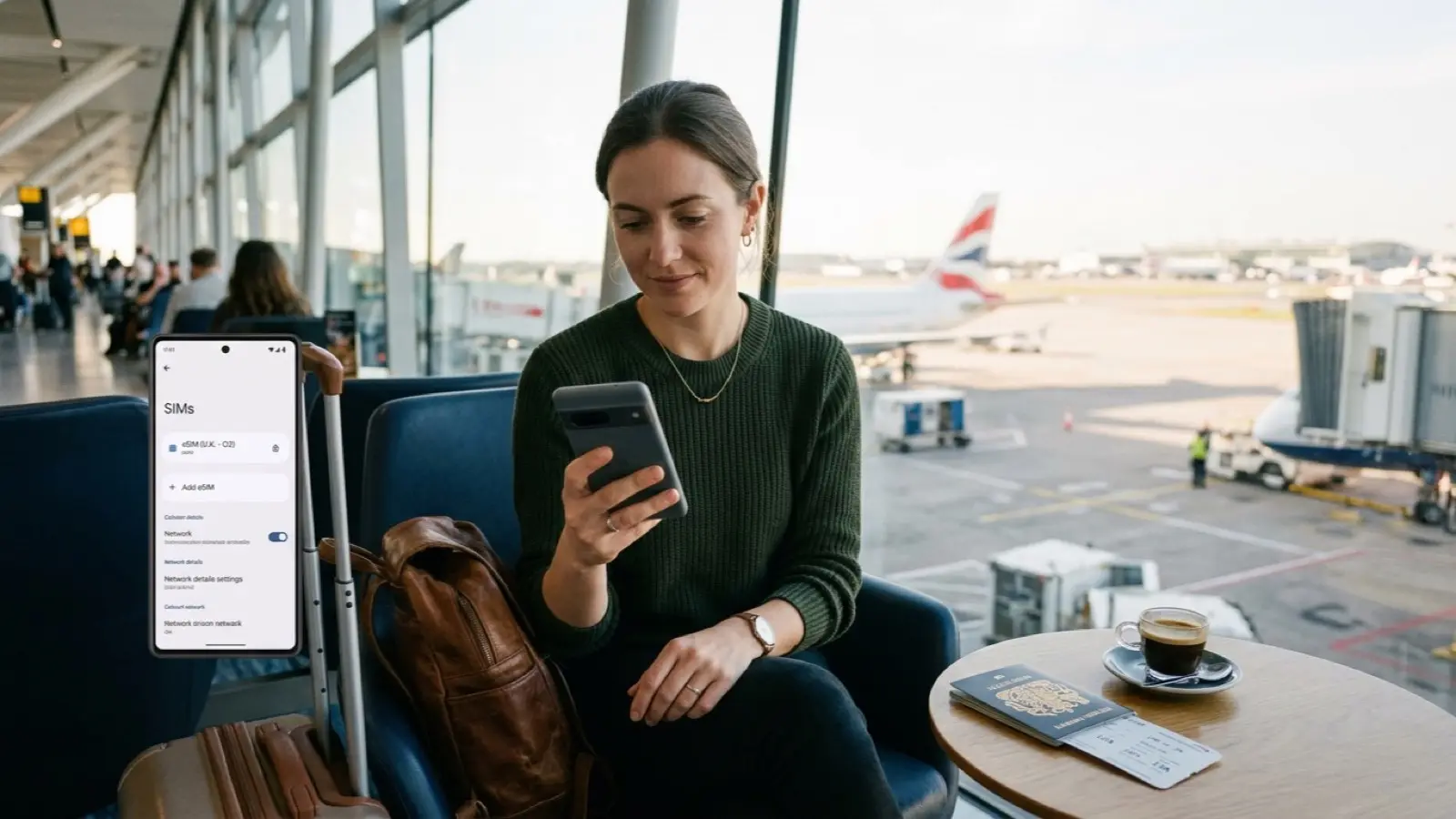
eSIM vs Roaming vs a Local SIM: Which Is Cheapest for Travel Data
Never wait in line for physical SIM swaps or haul heavy battery packs again. From solo weekend getaways to multi-week family tours, here is how to pick the right mobile data setup without wasting money.
Does Incognito Mode Make Flights Cheaper? What Dynamic Pricing Really Does
Does clearing cookies or going incognito actually save cash on flights and hotels? We pull back the curtain on airline revenue management engines, fare bucket mechanics, currency routing quirks, and the genuine mid-week price drop cycles that actually protect your travel wallet.

Tax-Free Shopping in Japan: How It Works and What Voids It
While enjoying ten percent consumption tax exemptions in Japan is a cornerstone of travel, the country enforces rigorous customs data tracking and strict packing rules. From general goods accidentally locked inside tamper-evident consumable bags to department stores taking a 1.55 percent handling fee and airport electronic customs audits clawing back taxes on broken seals, here is your essential guide to navigating Japan duty-free shopping without penalty.

Tokyo's Yanaka Ginza Shitamachi Walk: Crispy Croquettes, Quiet Cat Alleys, and Showa Retro Soul
When the sensory overload of Shinjuku's neon billboards and Shibuya's scrambling crosswalks wears thin, seek refuge in Yanesen (the historic triangle of Yanaka, Nezu, and Sendagi), one of the exceedingly rare Tokyo neighborhoods that miraculously escaped both the 1923 Great Kanto Earthquake and World War II firebombings. Beginning from the west exit of JR Nippori Station, this serene walking route descends the famous Yuyake Dandan (Sunset Steps) into the nostalgic, pedestrian-only Yanaka Ginza shopping arcade. From biting into crispy beef menchi-katsu freshly fried at a multi-generational butcher stall to greeting neighborhood alley cats and sipping dark pour-over coffee on the tatami mats of 1938-built Kayaba Coffee, here is your definitive field guide to Tokyo's enduring Showa-era soul.

The Japan Shinkansen Booking Playbook: Mount Fuji Row E Strategy, Oversized Luggage, and Smart EX Savings
Slicing through Japan's industrial and cultural heartland between Tokyo, Kyoto, and Osaka, the Tokaido Shinkansen bullet train network represents the pinnacle of railway engineering. Cruising smoothly at 285 km/h, the Nozomi super-express covers the 515-kilometer corridor in just two hours and twenty minutes. Yet navigating the nuances of seat selection dictates whether your journey becomes a dream sightseeing passage or a cramped logistical hassle. Missing out on the coveted two-abreast 'Row E' window seats when departing Tokyo forfeits uninhibited vistas of Mount Fuji. Furthermore, failing to pre-book dedicated Oversized Baggage seats for luggage whose total dimensions exceed 160 cm triggers an unexpected 1,000 JPY penalty fee enforced by conductors on board. This tactical manual reveals the exact seat reservation rules, paperless Smart EX mobile discounts, oversized luggage exemptions, and post-price-hike JR Rail Pass breakeven mathematics.