
The Definitive Travel Data Blueprint: eSIM vs. Roaming vs. Local SIM vs. Pocket Wi-Fi
Stop hauling heavy battery routers or fumbling with lost SIM pins. How to pick the smartest mobile connectivity without wasting money.
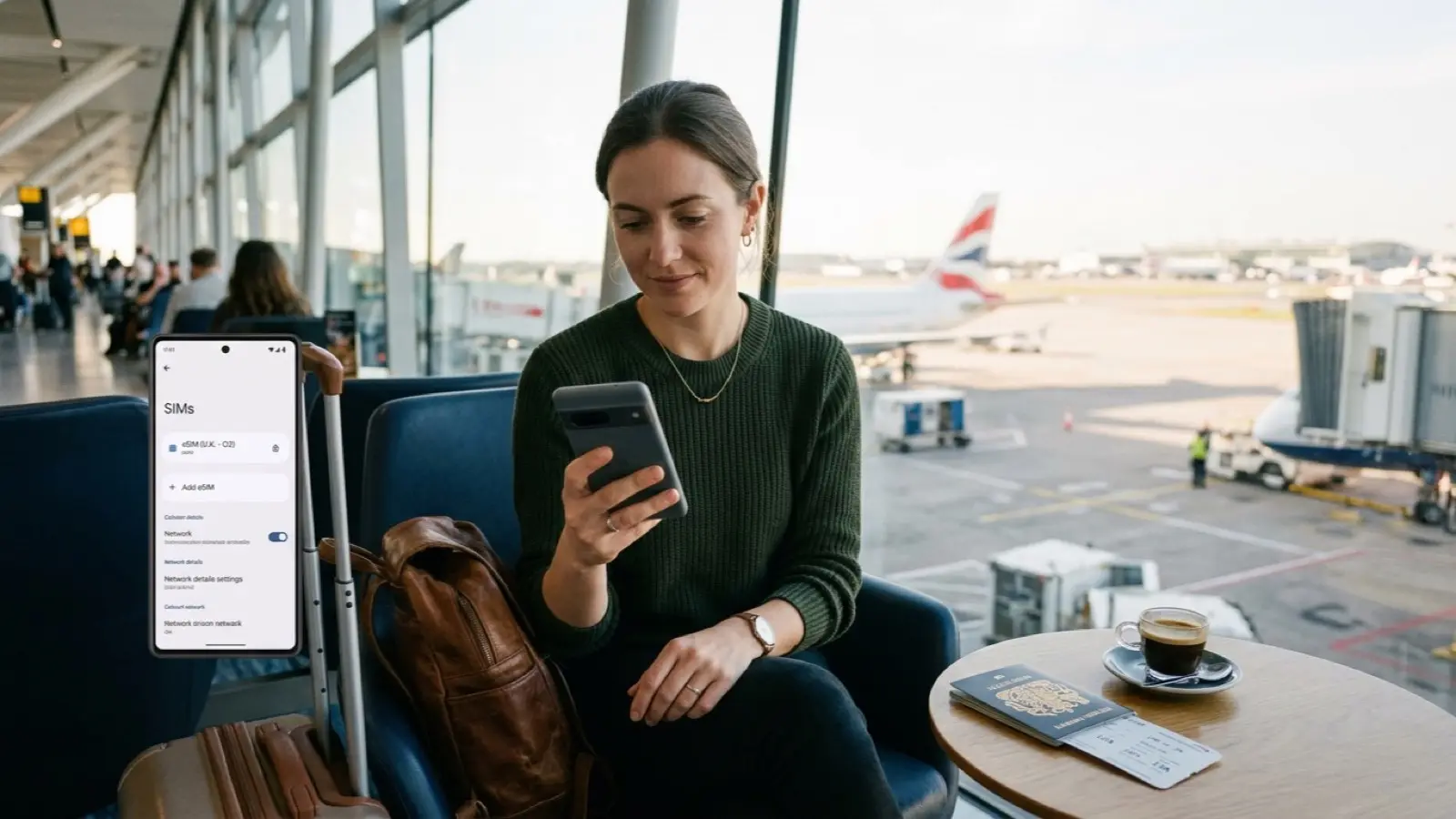
The Four Travel Data Options: Weighing Weight and Freedom
The moment your flight touches down abroad, smartphone data becomes your indispensable lifeline. Navigating winding alleys with Google Maps, checking curated dining reviews, and booking rideshare pickups require instant, seamless connectivity. In past years, queuing at busy airport telecom kiosks for pocket Wi-Fi rentals or fumbling with paper clips to extract physical SIM cards was an inevitable travel ritual.
Today, international connectivity branches into four clear avenues: telecom carrier roaming that keeps your original phone number active, software-based eSIMs installed in sixty seconds via QR codes, local physical SIM cards bought at destination hubs, and portable pocket Wi-Fi battery routers shared among travel companions. Each option carries distinct mechanical advantages and practical trade-offs.
The primary distinction lies in physical handling. Swapping a physical SIM card introduces the constant hazard of losing your primary domestic chip, especially in tight airplane rows where tiny pins slip through cabin floorboards. Pocket Wi-Fi units eliminate chip swapping but saddle your daypack with a bulky gadget and power bank, dropping connectivity the moment companions walk ten meters apart.
In contrast, eSIM technology has emerged as the modern gold standard. By scanning a digital QR code over home Wi-Fi before boarding, your phone automatically switches to high-speed local 5G the moment landing wheels hit the tarmac. You retain your domestic number for two-factor authentication and urgent SMS receipts at zero extra cost, enjoying effortless dual-SIM convenience.
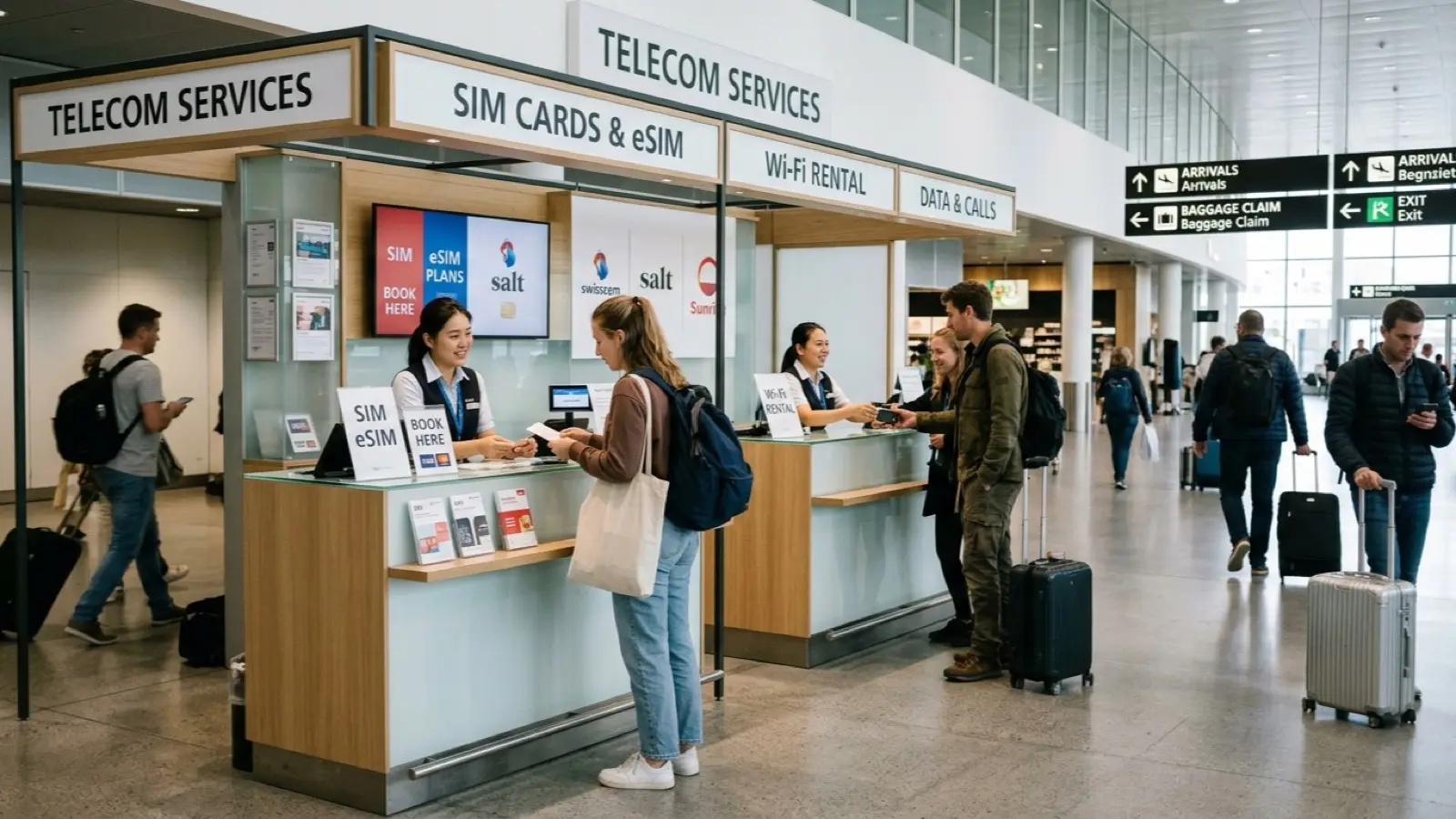
Getting Your Money's Worth: When Does Each Option Win?
The most common mistake when choosing travel data is judging strictly by daily advertised rates. Automatic carrier roaming often appears costly at ten to fifteen dollars per day. Yet for business travelers who must receive client phone calls or critical corporate verifications without changing SIM profiles, this carrier convenience remains an entirely justified investment.
For independent leisure travelers, however, eSIM offers unbeatable financial value. For popular destinations across Japan, Taiwan, or Southeast Asia, a generous daily high-speed plan ranges between five and ten dollars total for three to five days of travel. Compared to thirty or forty dollars in carrier roaming, you instantly pocket thirty dollars in pure savings before your morning espresso.
When does a pocket Wi-Fi router truly earn its keep? The definitive scenario is a family or small group of three to four travelers moving on an identical itinerary. A single reliable pocket router renting for four to five dollars a day divides data across four devices, bringing individual costs down to just over one dollar per day. The sole condition is staying together throughout the journey.
Local physical SIM cards remain unmatched for month-long backpacking treks and extended remote work stays. Prepaid local carrier chips offer massive data allowances exceeding thirty gigabytes for under fifteen dollars, alongside a local mobile number essential for ride-hailing apps, queue management systems, and restaurant booking platforms.

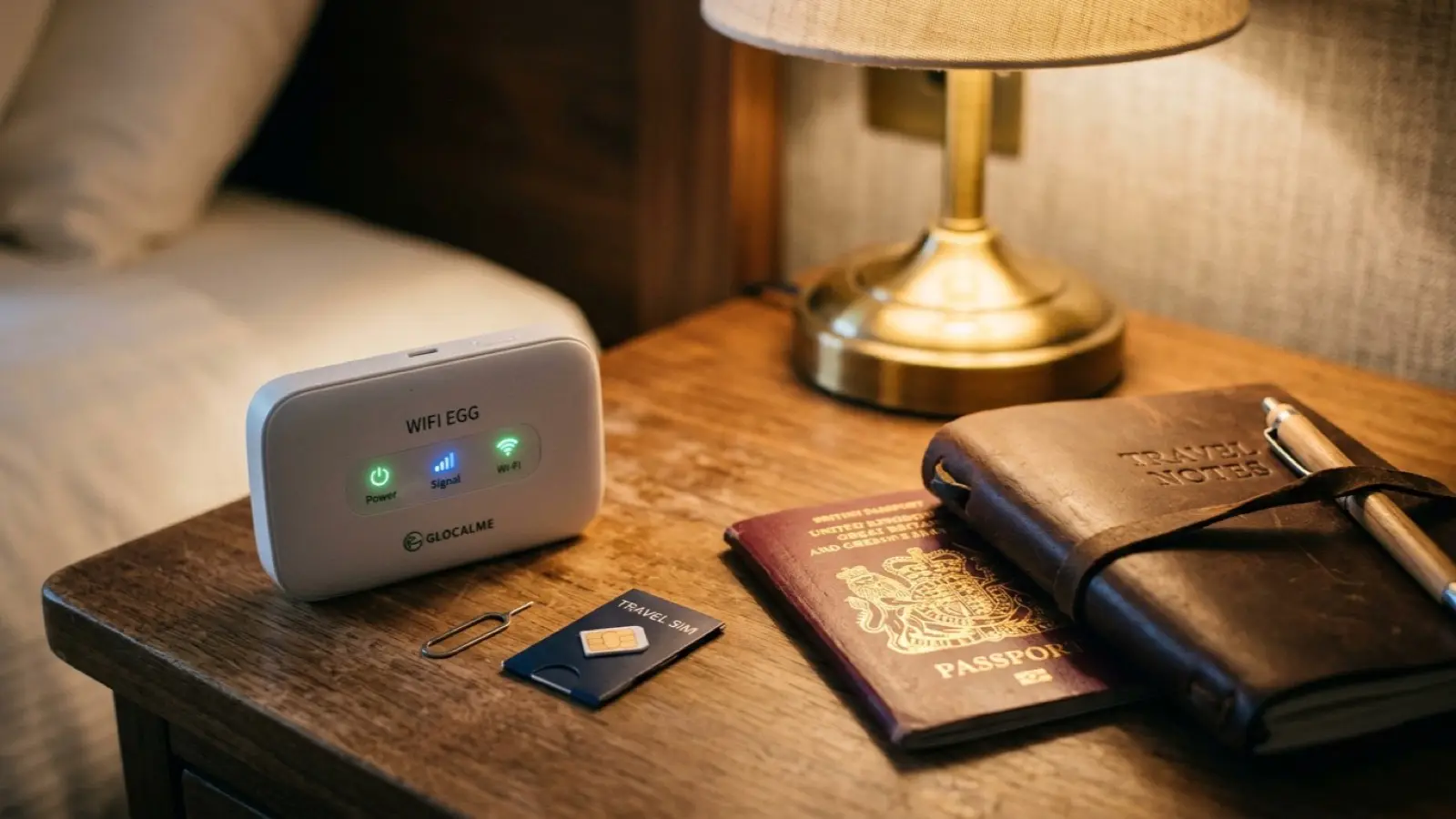
Device Compatibility and Carrier Locks: The 3-Minute Pre-Departure Audit
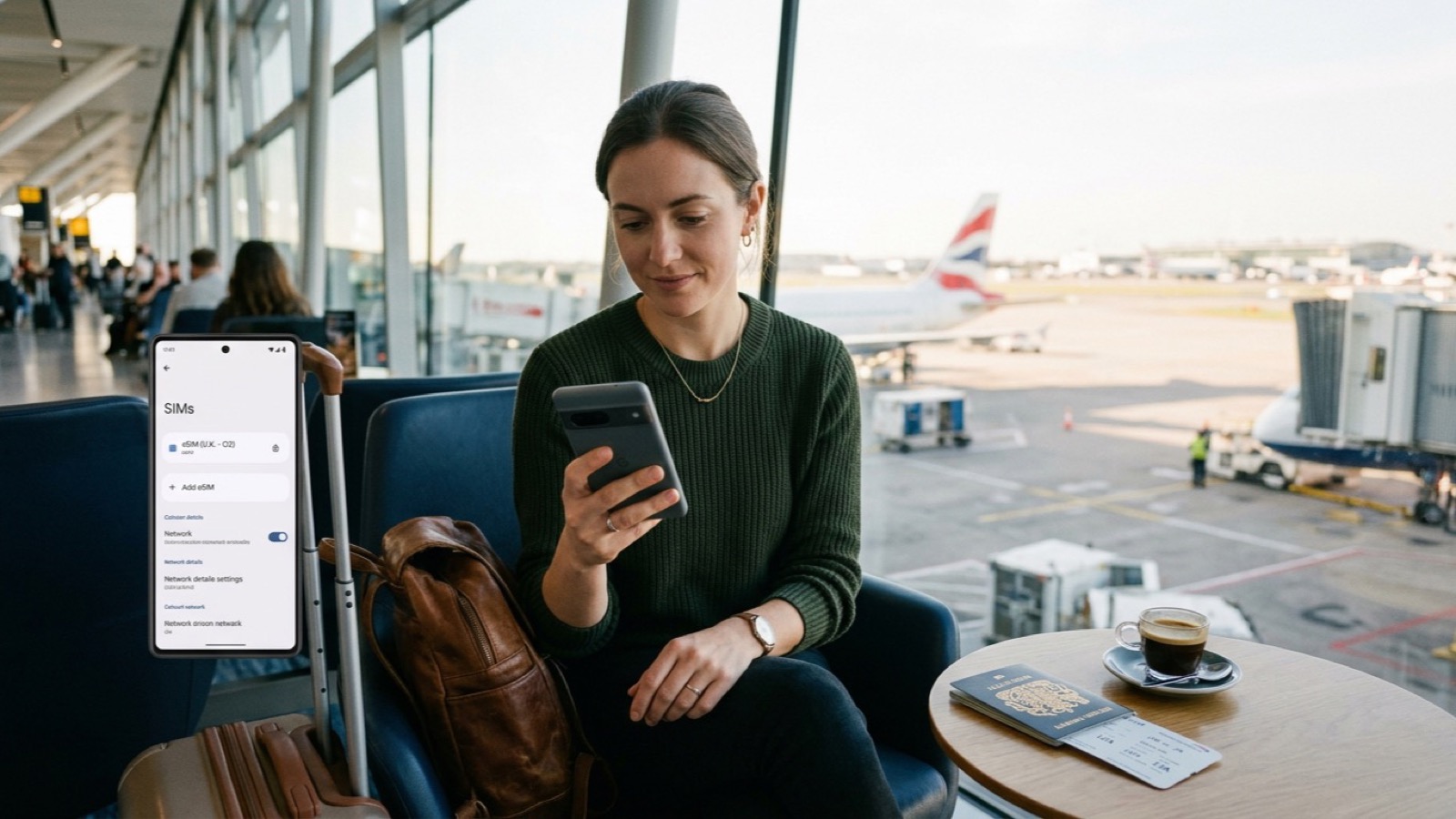
Before purchasing an eSIM package, you must verify that your handheld device supports digital SIM technology. For Apple devices, all models since iPhone XS and XR feature built-in eSIM chipsets. On Android, recent flagships like Google Pixel and Samsung Galaxy S23 or Z Fold series natively support digital profiles. Checking your cellular settings for an Add eSIM button confirms hardware readiness.
The second common hurdle is carrier locking. While modern unlocked devices bought directly from manufacturers operate freely worldwide, handsets purchased on installment contracts through domestic carriers occasionally retain country restrictions. Calling your cellular carrier customer service forty-eight hours before departure ensures foreign SIM restrictions are lifted completely.
Configuring dual-SIM settings properly prevents unintended roaming surcharges. Set your primary domestic SIM to keep cellular data roaming firmly switched off, while allowing voice and SMS reception. This configuration lets bank security verification codes and purchase notifications arrive seamlessly at zero fee, while all data traffic flows through the economical destination eSIM.
If you intend to tether a laptop or tablet via personal hotspot during train rides, check your eSIM plan specifications closely. Certain budget wholesale operators restrict mobile hotspot tethering at the APN level, preventing you from sharing high-speed bandwidth with secondary devices or travel partners.
The First Three Minutes on the Tarmac: Setup and Troubleshooting
The smoothest strategy is installing your eSIM profile while still connected to reliable Wi-Fi at home or at the airport boarding gate. Scanning the vendor QR code with your camera installs the secondary cellular profile within seconds. Labeling the new line with a clear name such as Travel or Japan ensures foolproof identification during flight transitions.
Once your aircraft touches down and the seatbelt sign turns off, configure your active connections. Turn off airplane mode, select your travel eSIM line for primary cellular data, and crucially toggle Data Roaming to ON under that specific eSIM profile. Because travel eSIMs operate through roaming agreements with local carrier networks, leaving this switch off blocks signals entirely.
If your status bar continues to display No Service after several minutes, do not panic. The first corrective step is disabling automatic network selection and manually choosing the designated tier-one carrier listed in your instruction email. In Japan, selecting SoftBank or Docomo manually resolves signal acquisition in nine out of ten instances.
The second safeguard is verifying Access Point Name (APN) entries. While modern phones configure APN profiles automatically, certain handsets require typing the designated APN value into network fields before rebooting. Confirming connectivity on the airport arrivals terminal Wi-Fi before clearing customs ensures you navigate airport express trains with complete peace of mind.
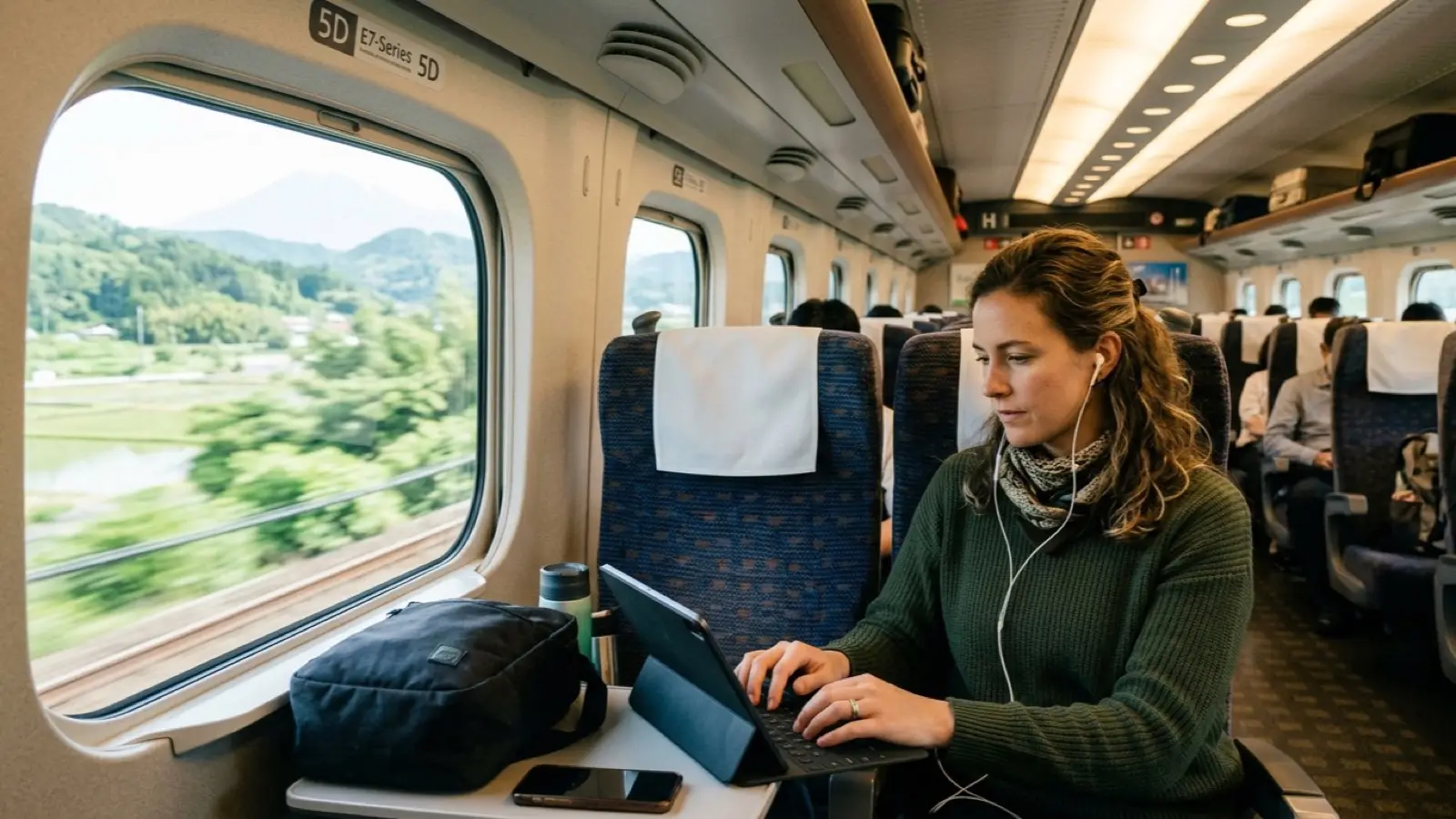
Destination Network Maps and Final Connectivity Checklist
Not all eSIM plans deliver identical speeds or network priority. Real-world performance hinges on which local carrier infrastructure powers the wholesale agreement. In Tokyo, for instance, congested underground subway platforms frequently choke certain networks during peak rush hours, making SoftBank or KDDI partnerships markedly snappier than crowded alternatives.
For multi-country European tours, confirm whether non-EU territories are included in your regional bundle. Following geopolitical shifts, budget Europe packages frequently exclude the United Kingdom, while Switzerland requires dedicated agreements due to separate telecommunication rate structures.
In Southeast Asian coastal retreats, national state-backed carriers are imperative for offshore boat excursions and remote island stays. Selecting plans that route through Viettel in Vietnam, AIS in Thailand, or Smart in the Philippines guarantees dependable signals whether relaxing on a beachfront cabana or cruising tranquil bays.
Aligning your connectivity tool with your party size transforms the journey. Solo adventurers and couples thrive on the lightweight convenience of modern eSIMs, while larger families maximize value through dedicated pocket routers or shared carrier bundles. Seamless data strips away travel friction, letting you immerse fully in foreign horizons.
Frequently Asked Questions
Field-tested answers to transit navigation, neighborhood choices, and payment traps.
Q1.Does installing an eSIM in my home country start using my data allowance early?
Q2.Will I miss domestic two-factor verification SMS while using an international eSIM?
Q3.Is a pocket Wi-Fi router or eSIM better for a family of four?
Q4.What is the very first step if my eSIM fails to connect upon arrival?
The Smart Traveler's Essential Toolkit
Prepare instant mobile data, private airport transfers, and skip-the-line passes in one place.
Pick a base in Tokyo by your route
Choose the places you want to see and get the neighbourhood with the shortest travel.
Compare Tokyo Hotel Rates
Find the cheapest channel across Agoda and major booking engines with Tripdify.
Share This Guide with Your Companions
When shared via chat or social media, a curated summary card is sent along.
Recommended Guides

Before Regretting a 13-Sqm Shoebox: The Tokyo 3-Zone and 14-Day Booking Playbook
Comparing room footprints across Shinjuku, Ginza, and Ueno, locking in sudden 14-day cancellation drops, and eliminating DCC fees with clean Yen checkout.

Tokyo Value Hotels Playbook: 7 Smart Yamanote Stays, Onsen Baths and OTA Rate Hacks
Even amid yen fluctuations, central Tokyo hotel rates have soared. Learn how to secure Yamanote loop line hotels at half the price of Shinjuku, compare onsen bath chains like Dormy Inn, trigger secret Agoda VIP and Booking.com Genius discounts, and dodge hidden currency fees with yen settlement.

Tokyo Transit Survival Blueprint: Airport Rail Hacks, Metro Pass Math, and Yamanote Hubs
How to choose between Keisei Skyliner and Narita Express, avoid the Tokyo Subway Ticket trap, use Apple Wallet Suica, and select the ideal hotel base in Tokyo.

Tokyo Day 1 Arrival Blueprint: Narita Skyliner, Frictionless Ramen, and 24-Hour Settlement
From stepping off at Narita Airport to mastering high-speed trains, navigating Tokyo's sprawling transit hubs, ordering counter ramen effortlessly, and catching sunset from Roppongi Hills. A definitive guide for your first 24 hours in Tokyo.

Tokyo Day 2 Iconic Sights Playbook: Shibuya Sky Sunset Booking, Harajuku Alleys, and Roppongi Nightscapes
Securing prime sunset slots atop Shibuya Sky, navigating hidden boutiques along Harajuku Cat Street, immersing in the forested serenity of Meiji Jingu, and marveling at the crimson glow of Tokyo Tower from Roppongi Hills. A masterclass in Day 2 pacing.

Tokyo Day 3: Asakusa Heritage, Akihabara Pulse, Ginza Depachika, and Seamless Airport Departure
The ultimate finale for your Tokyo stay: tranquil morning worship at Sensoji, retro subculture in Akihabara, Ginza Six architectural rooftop views and basement depachika feasts, capped by seamless Skyliner and N'EX airport connections.

The 10-Second Global Hotel Rate Audit: Defeating Checkout Price Hikes and Currency Spreads
An investigative playbook uncovering why OTA final totals escalate, how desktop bank partner links consistently beat mobile app rates, and the exact local-currency checklist to stop hidden fees.
The Truth About Flight & Hotel Dynamic Pricing: Incognito Myths and Real Fare Defense
Does clearing cookies or going incognito actually save cash on flights and hotels? We pull back the curtain on airline revenue management engines, fare bucket mechanics, currency routing quirks, and the genuine mid-week price drop cycles that actually protect your travel wallet.

Osaka 72-Hour Feast: Dotonbori Canal Neon, Kuromon Market & Umeda Heights
Osaka is Japan culinary powerhouse where feasting is an art. Navigate Rapi:t airport transfers, Namba vs Umeda hotels, and street food corridors with veteran precision.

Kyoto Arashiyama & Gion Retreat: Historic Ryokans and Early Dawn Bamboo Groves
Kyoto compresses a millennium of Japanese aesthetic mastery. Discover how to evade bus congestion with private railways, master ryokan kaiseki booking windows, and savor early dawn stillness.

Kyoto Ryokan & Machiya Masterclass: Kaiseki Economics, Sukiya Timber, and Quiet Alleys
From hundred-year-old timber townhouses in Gion to misty Arashiyama riverside ryokan, staying in Kyoto demands cultural fluency and sharp booking discipline. An honest receipt audit covering kaiseki dinner curfews, private onsen etiquette, and avoiding dynamic pricing spikes.

Kyoto Day 1 Arrival Playbook: 75-Minute Haruka Express, Station Luggage Delivery, and Gion Twilight
Boarding the 75-minute Haruka Express from Kansai Airport, forwarding heavy bags straight to your hotel via Crosta at Kyoto Station, avoiding gridlocked buses using the subway, and an evening stroll through Gion to the Kamogawa. A field guide to your first 24 hours.